Setup guide · Eagle Eye Pro Timing
Eagle Eye has the clock built in: its Finished Results module sends the running time during the race and the results as they are read. No script is needed. These steps use an Ethernet cable; the PDF has the same steps with pictures.
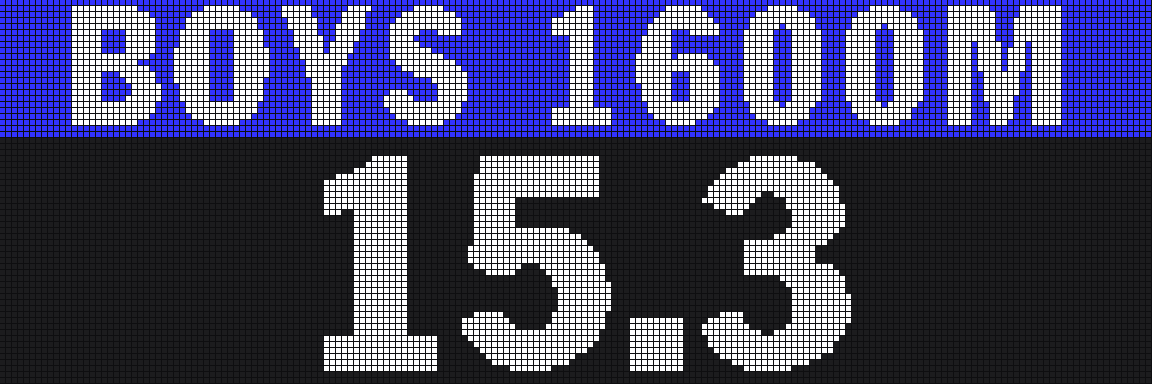
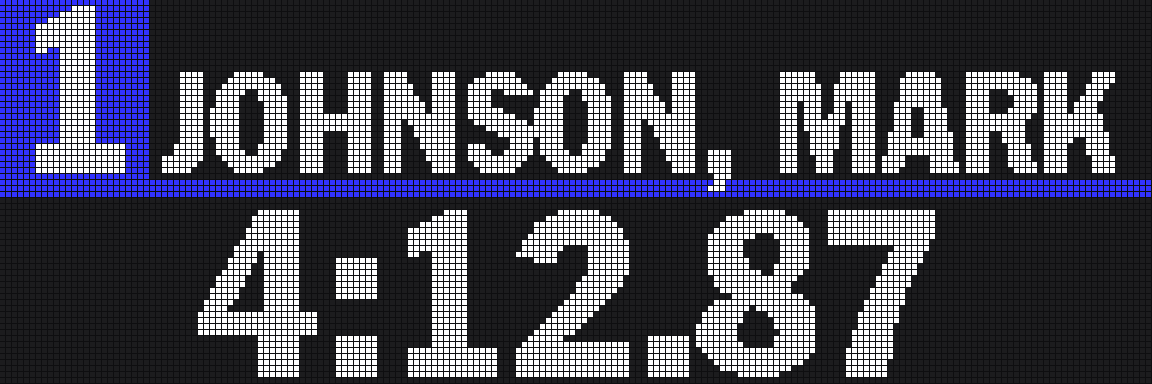
Fit the wifi antenna to the clock and switch on the number pad (the switch is on the back).
Connect the Ethernet cable to the clock and to the Eagle Eye computer (or the switch) before you plug the clock in.
Plug the clock in. After it counts down it shows its address: 192.168.0.51. If it shows 192.168.0.52, that is its wifi address: unplug it, check the Ethernet cable at both ends, and plug it in again.
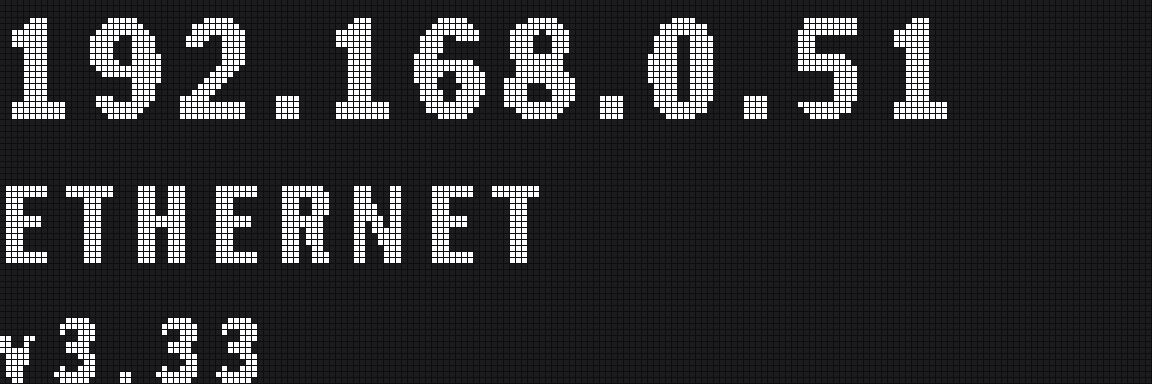
If the clock isn’t in Lynx mode, select Lynx with the + and − keys on the number pad.
Every device needs its own address in the same range, with the same subnet mask. For example:
Give the Eagle Eye computer a fixed address: Windows Settings ▸ Network & internet ▸ Ethernet, IP assignment Edit ▸ Manual, IPv4 on:
| IP address | 192.168.0.50 |
|---|---|
| Subnet mask | 255.255.255.0 |
Give each camera a fixed address with its IP configuration tool: 192.168.0.53 for camera 1, then .54, .55 for more cameras.
The clock keeps 192.168.0.51.
On the Race Results tab click Finished Results, then set:
| Enable connection | Ticked |
|---|---|
| Results: IP Address | 192.168.0.51 (the address the clock showed) |
| Results: Port | 2001 |
| Running Time: IP Address | 192.168.0.51 |
| Running Time: Port | 2001 |
Click OK. The camera picture freezes while Eagle Eye connects to the clock, for about 30 seconds. Let it finish before you click anything else.
Click LED Display (also on the Race Results tab) to choose what the clock shows: Display running time during the race, Display results after it (for example as they are read), how fast results scroll and how long they stay, and a message of up to 160 characters with Send.
Start a race in Eagle Eye: the clock shows the running time.
Email support@finishedresults.com with your Eagle Eye version, the address the clock shows and what you see.
For Eagle Eye itself, see Eagle Eye.