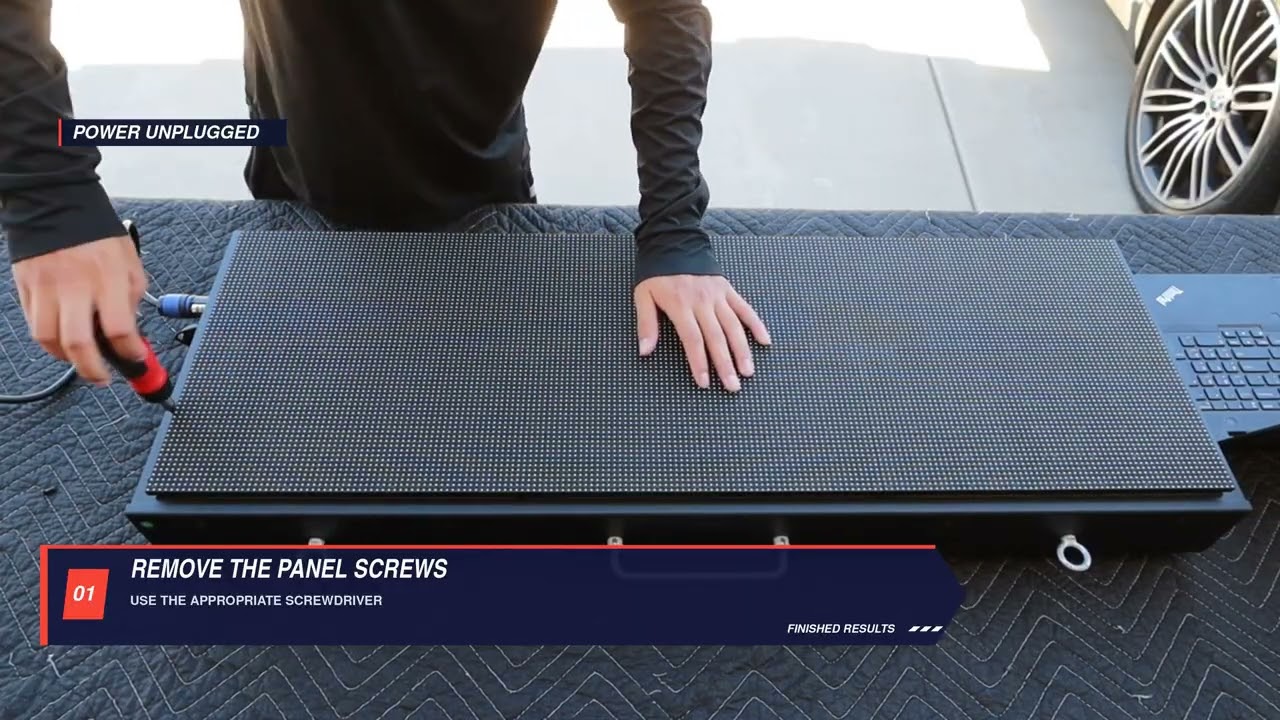
When to use this
How to remove the back panel properly.
Steps
-
Using the appropriate screwdriver, remove the screws securing the back panel to the clock housing.
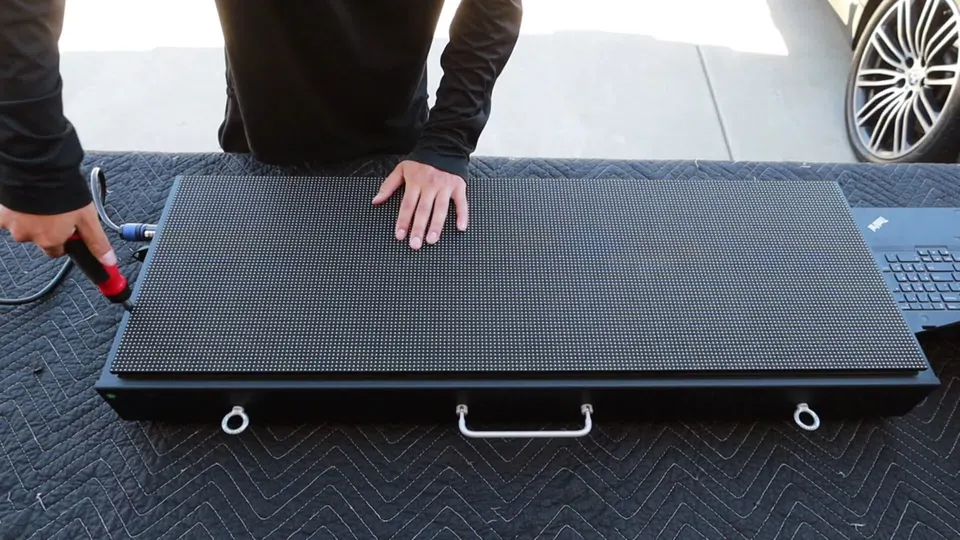
Remove the panel securing screws -
Work around the panel as shown until all of its securing screws have been removed.
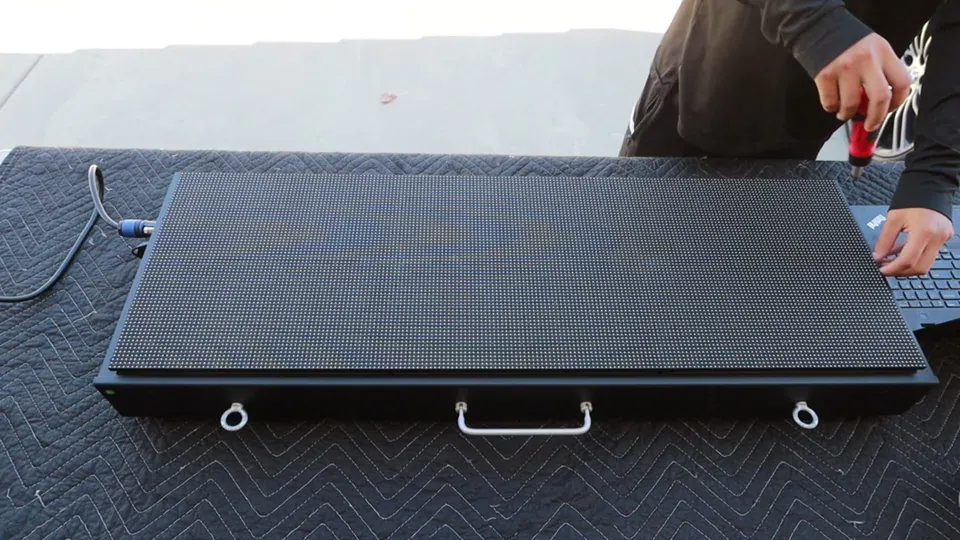
Continue around the housing -
Keep the removed screws together as you work.
Important
- Keep the removed screws together.
Check when done
All of the securing screws have been removed and kept together.
Still not working?
Email support@finishedresults.com. Tell us you completed procedure 02 and what you saw when you checked your work. Replacement parts are ordered the same way.