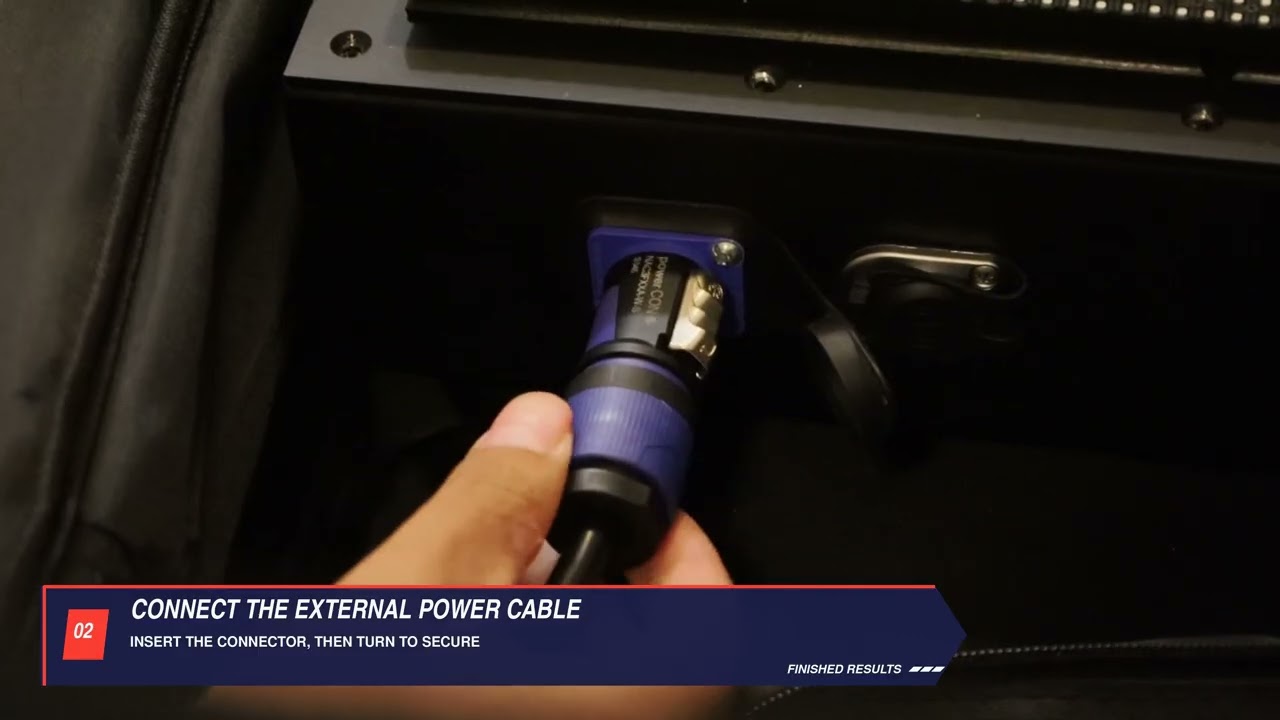
When to use this
How to connect the power cable properly and turn on the clock.
Steps
-
Locate the blue power connection on the clock.
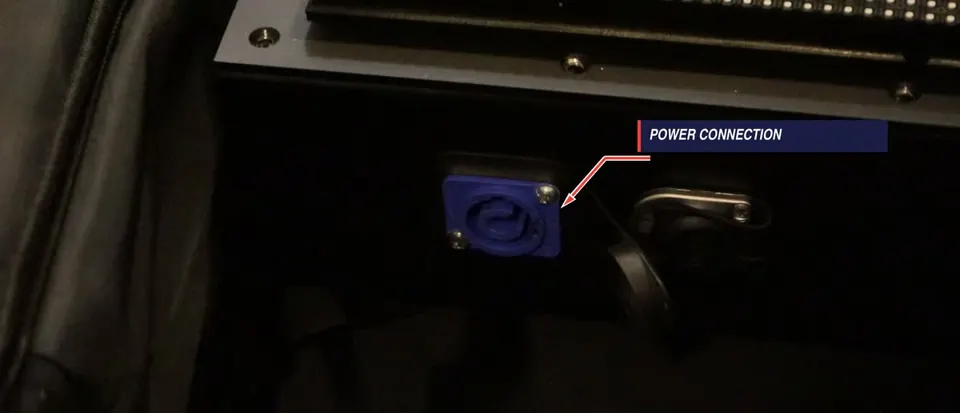
Locate the blue power connection -
Align the external power cable connector with the socket.
-
Insert the connector, then turn it to secure the connection.
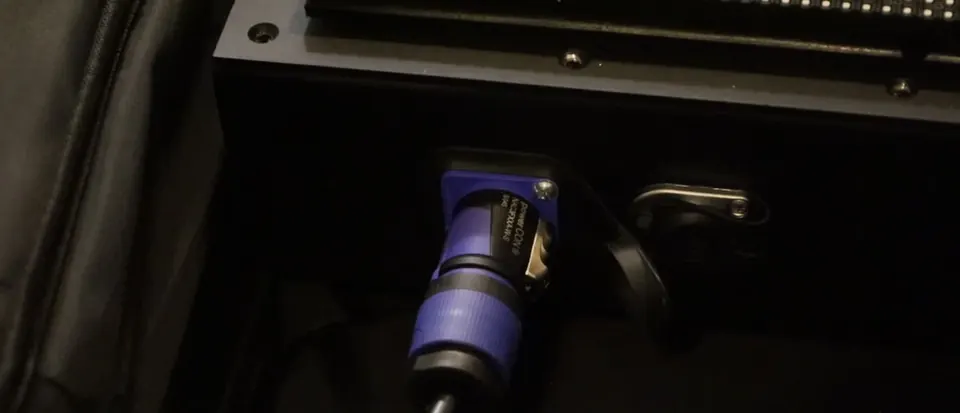
Insert and turn to secure the connection
Important
- Hold the connector housing while aligning, inserting, and turning it.
Check when done
The connector is seated and secured.
Still not working?
Email support@finishedresults.com. Tell us you completed procedure 01 and what you saw when you checked your work. Replacement parts are ordered the same way.